AI-Powered Email Automation

Stop wasting time manually downloading Gmail attachments

Let AI do the work. Simply describe what you need in plain English, or use manual search for precise control. GrabMail finds and downloads exactly those files — as a convenient ZIP or individually.

2-5s

Search time for 100 emails

200

Max emails per search

100%

Privacy-first by design

What is GrabMail?

GrabMail is a powerful Chrome extension that revolutionizes how you download email attachments from Gmail. Whether you're a teacher collecting assignments, a professional managing invoices, or anyone organizing files from email, GrabMail saves you hours of manual work.

AI-Powered Search

Describe what you need in plain English and let AI find it. Supports Claude, Gemini, and OpenRouter.

  • Natural language understanding
  • Smart date parsing
  • Multiple AI providers
  • Intelligent filtering

Manual Search Mode

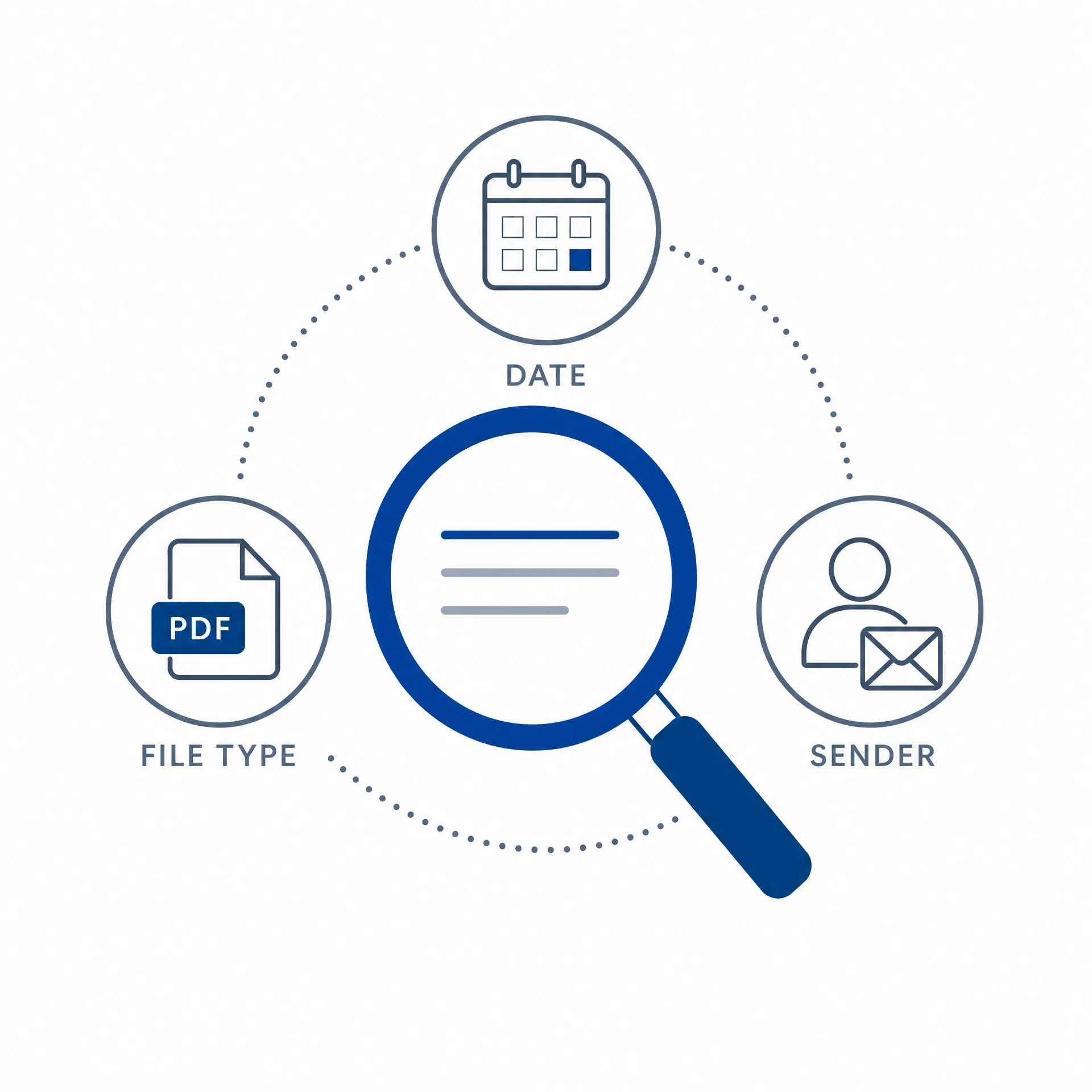
No AI? No problem. Use direct keyword, sender, file type, and date range filters.

  • Keyword filtering
  • Sender filtering
  • Multiple file types
  • Date range control

Smart Download Options

Choose between convenient ZIP archives or individual file downloads.

  • ZIP archive mode
  • Individual downloads
  • Automatic compression
  • Original filenames preserved

Key Features

🤖 AI-Powered Search

Describe what you want in natural language and watch GrabMail find it instantly. Our AI understands context, handles complex queries, and learns from your descriptions.

  • Claude Sonnet 4: Best for complex queries
  • Gemini 2.5 Flash: Fast and free tier available
  • OpenRouter: Access to 100+ models

Example: "Download all PDF invoices from last month"

AI-Powered Search

🔍 Manual Search Mode

No AI required! Use powerful filters for precise control: keywords, sender email, file types, and date ranges. Perfect for repetitive tasks and users who prefer not to use AI.

  • Keyword filter: Search subject and filename
  • Sender filter: Exact match or domain-based
  • File types: pdf, docx, xlsx, jpg, zip, apk, and more
  • Date range: 7 days to 1 year
Manual Search

📦 Smart Download Options

Choose the download format that works best for you. Get everything in one ZIP file or download each attachment individually to your Downloads folder.

ZIP Archive Mode

All files in one convenient package with automatic compression

Individual Files Mode

Each attachment downloads separately with original filenames preserved

Perfect For

GrabMail works for anyone who needs to organize email attachments. Here are some common use cases:

Teachers & Educators

Collect all student assignments in one ZIP file

"Download all zip and apk files from students"

Business Professionals

Organize invoices and contracts effortlessly

"Get all PDF invoices from suppliers"

Project Managers

Gather reports from team members instantly

"Download Excel reports with 'Q1' in subject"

Developers

Collect code submissions from your team

"Get all ZIP files from developers@team.com"

Photo Enthusiasts

Backup family photos in bulk

"Download all images from family emails"

Anyone Managing Email

Find and download attachments faster

"Search by sender, date, file type"

How It Works

1

Install

Add GrabMail to Chrome from the Chrome Web Store and click the extension icon

2

Connect & Choose

Sign in with Google and select your search mode (AI or Manual)

3

Search & Download

Describe what you need and download as ZIP or individual files

Privacy First

Your Data Stays Secure

GrabMail is built with privacy as the foundation. We don't collect, store, or share your personal data. Here's what we do:

  • Only reads attachment metadata
  • Never reads email body content
  • No data stored on external servers
  • All processing happens locally
  • AI only sees: filename, sender, subject, file size

✓ Open source — review the code yourself
✓ GDPR, CCPA, and COPPA compliant
✓ Transparent permissions — only what we need

Privacy & Security

Frequently Asked Questions

Absolutely. GrabMail operates entirely locally in your browser. We only access attachment metadata (filename, sender, date, size) — never email content. No data is stored on external servers, and you can review our open-source code anytime.

No! Manual Search mode works perfectly without AI. Use keyword filters, sender filters, file type selection, and date ranges for precise control. Choose AI mode only if you prefer natural language descriptions.

We support Claude (Anthropic), Gemini (Google), and OpenRouter. You provide your own API key directly to your chosen provider — we never handle your keys on our servers.

We request minimal permissions: identity (for Gmail OAuth), downloads (to save files), storage (to remember preferences), and gmail.googleapis.com (read-only access). We never modify or delete emails.

Yes! You can process up to 200 emails per search and download all matching attachments as a single ZIP file or individually. Download speed depends on file sizes and your connection.

GrabMail is free to use. Manual Search mode requires no API keys. For AI mode, you'll need your own API key from your chosen provider (Claude, Gemini, or OpenRouter).

Ready to Save Hours of Work?

Join thousands of users who are automating their email attachment downloads with GrabMail. It's free, it's fast, and it's privacy-first.

Add GrabMail to Chrome